
Google Play Store
Google Play Store is Google's digital distribution platform for Android, used to find, install and update apps, games and books.
101.1 MB
3.5.17.4 · Flatfish Studio · Page updated
Calculator Lock – HideX is an Android vault app from Flatfish Studio that looks like a calculator and hides photos, videos and apps behind a PIN.
Average 0.0 · ratings: 0
Thank you! Your rating is saved; you can change it. Could not save the rating. Please try again later. Too many ratings from your network today. Please try again tomorrow. The average appears after 5 ratings.
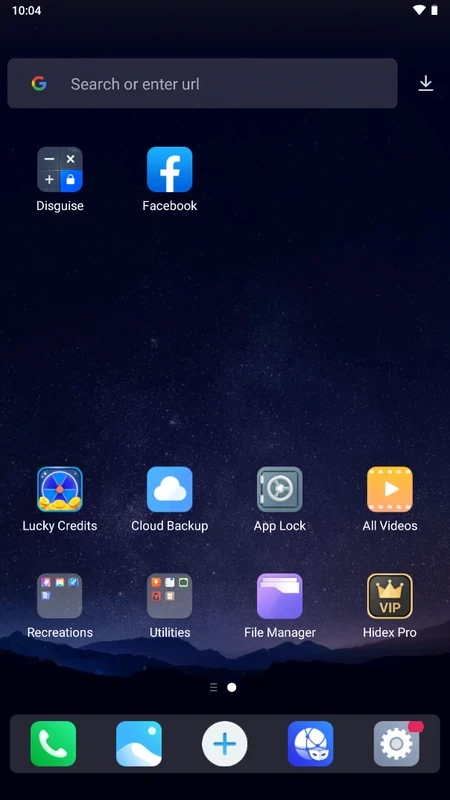
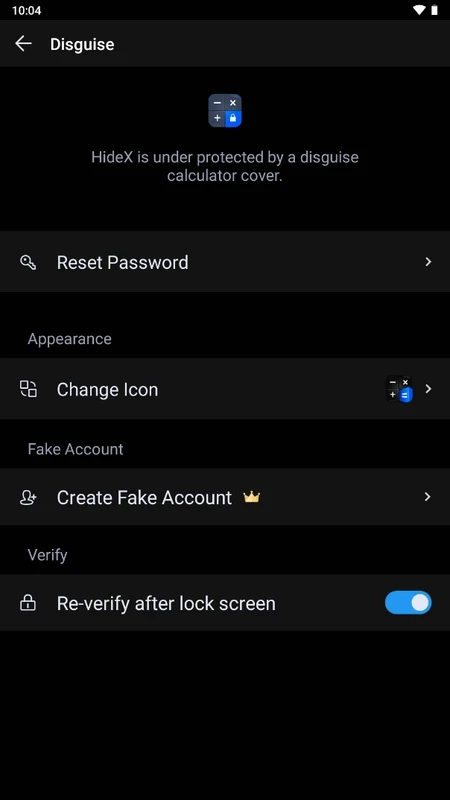
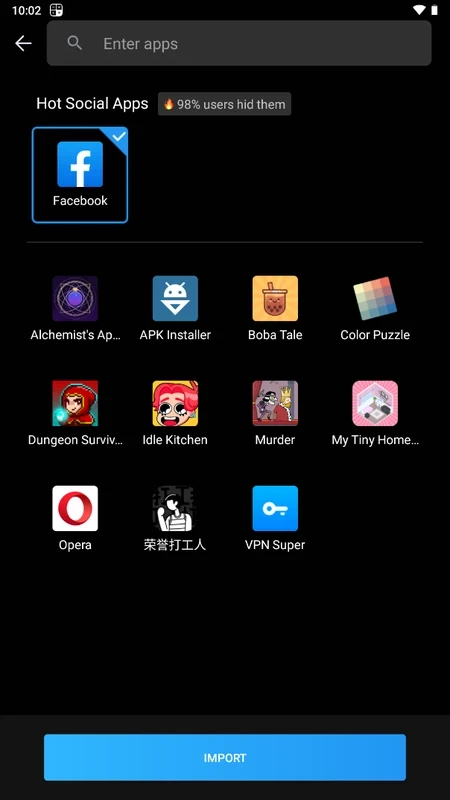
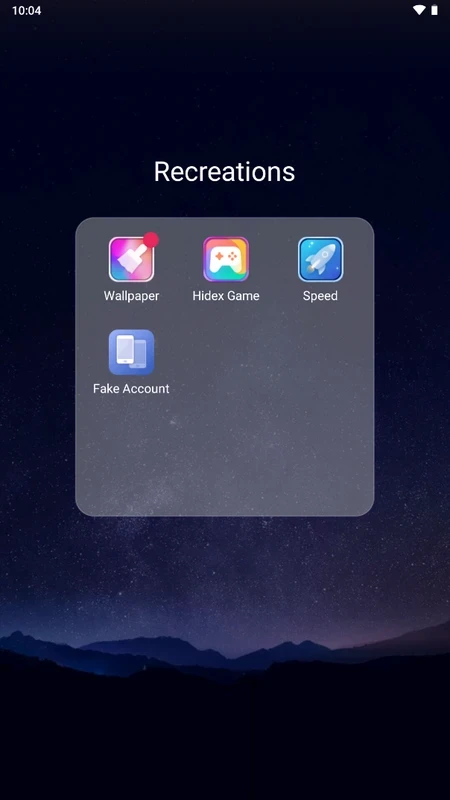
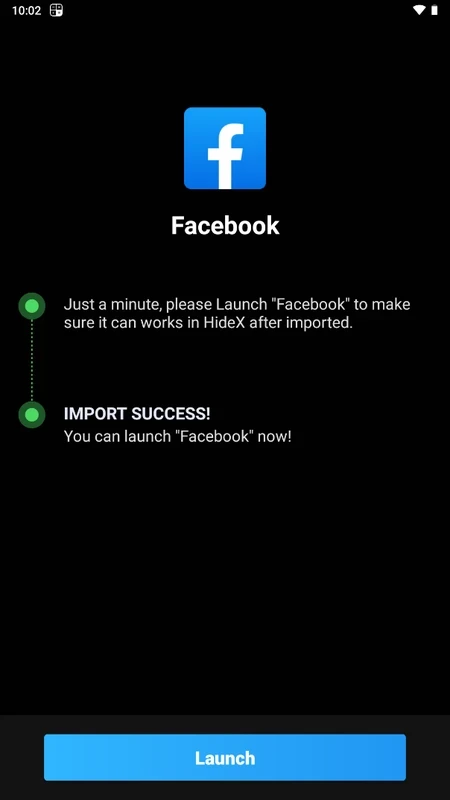
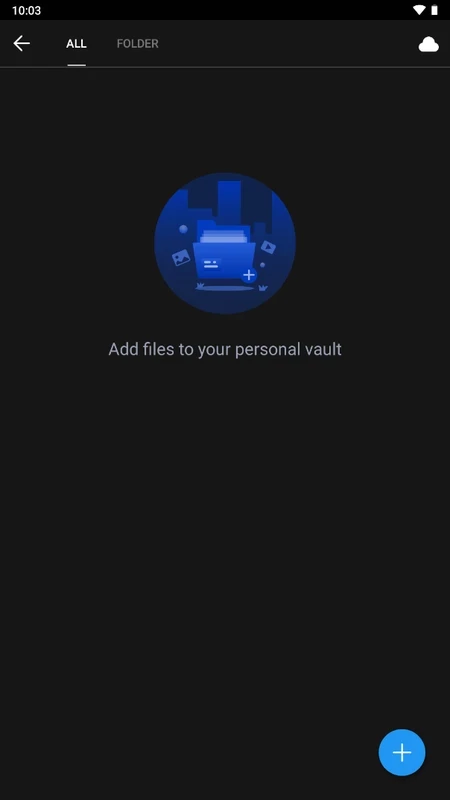
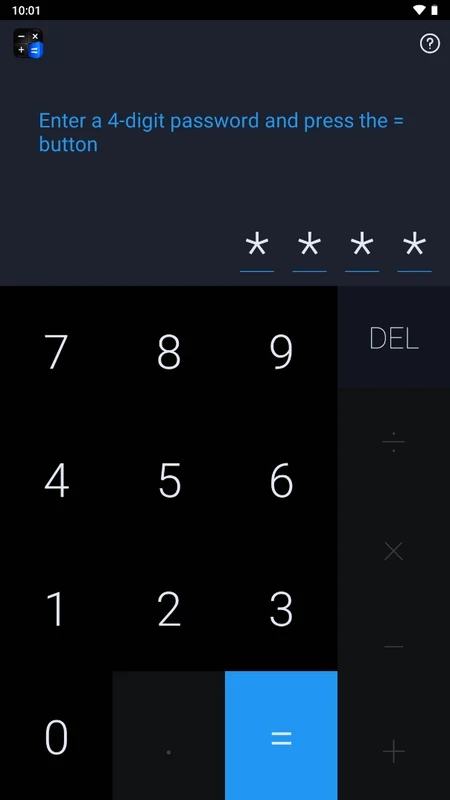
Calculator Lock – HideX 3.5.17.4 is an Android app from Flatfish Studio that works as a working calculator on the surface and as a private vault underneath. Entering your secret PIN in the calculator opens a hidden space for photos, videos, files and even apps you want to keep private. The app is free, and you can download Calculator Lock – HideX for Android from your phone's app store.
Phones are shared more often than we admit: a child playing a game, a colleague looking at holiday pictures, a partner checking a message. A vault app suits people who want to keep certain photos, documents or chats out of casual view in those moments, for example ID scans, medical records, private pictures or work files on a personal phone. The calculator disguise means the vault does not advertise itself on the home screen. It is not, however, a replacement for proper device security. Someone who knows about the app, or has full access to your unlocked phone and time, can find it. And because everything is stored inside one app, the biggest risk is losing access to your own files: forgetting the PIN, uninstalling the app or switching phones without a backup can make the contents unrecoverable. People who mainly want stronger overall privacy should first set a strong screen lock and use the phone's built-in secure folder or private space if it has one.
| Item | Details |
|---|---|
| Version | 3.5.17.4 |
| Developer | Flatfish Studio |
| Platform | Android |
| Licence | free |
| Size | about 32.53 MB according to catalogue data |
Move everything out of the vault first. Uninstalling the app can delete the hidden files along with it, and a new phone does not automatically get your vault.
A vault needs access to the files you hide and possibly to other apps if you use the app-hiding feature. Free vault apps are usually financed by ads or premium features; read the privacy policy and in-app purchase terms.
AppLock in our listings locks individual apps with a PIN or fingerprint. For ordinary calculations, Mi Calculator and Fraction Calculator Plus are simple calculators without hidden features.
Google Play Store is Google's digital distribution platform for Android, used to find, install and update apps, games and books.

APKPure is a third-party app marketplace for Android that installs apps from APK files outside Google Play. This page covers version 3.20.7803.

Aptoide is an open-source alternative app store for Android, running since 2009. This page covers version 9.22.5.3.

QuickShortcutMaker is a small Android tool for creating home screen shortcuts to specific screens of installed apps, including hidden settings.